
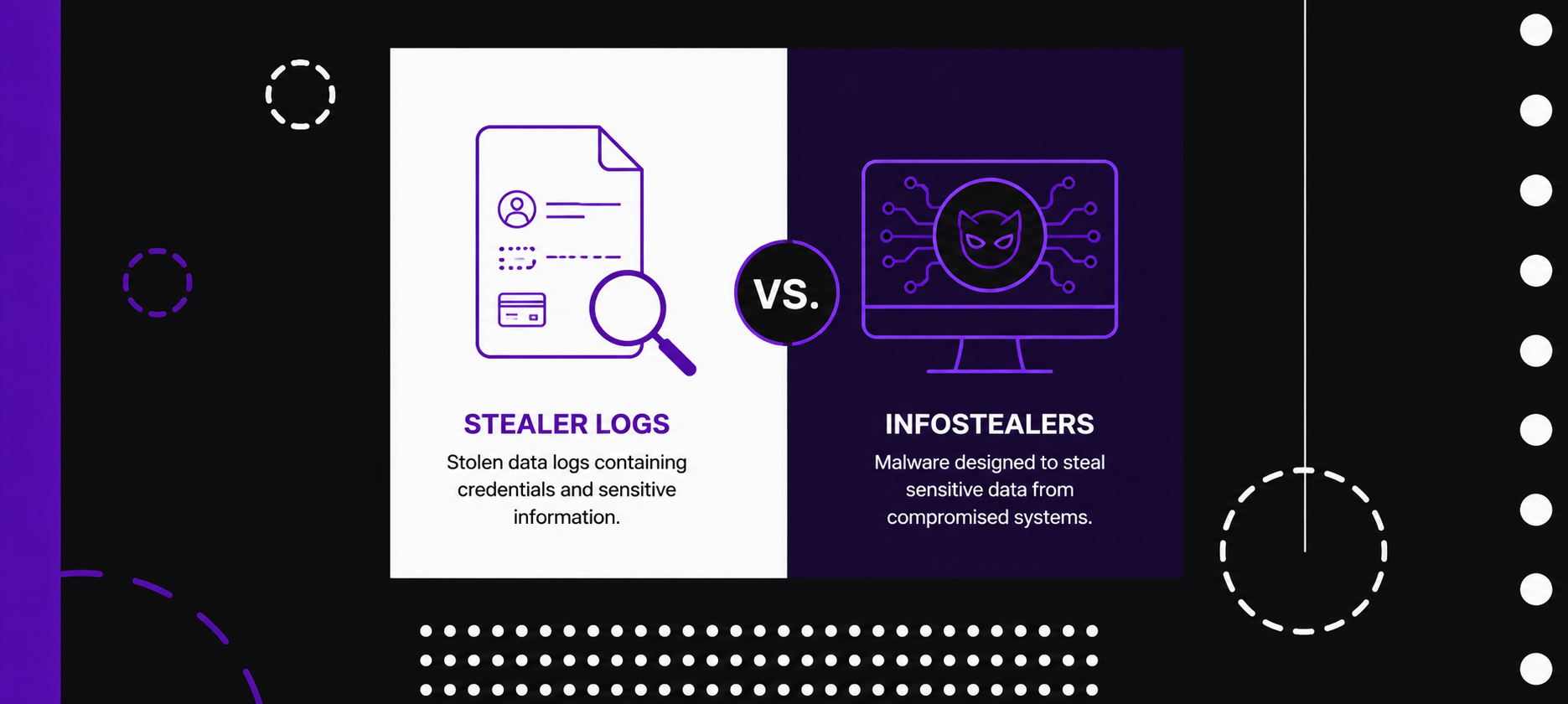
Cybersecurity teams often use the terms “stealer logs”, “infostealer logs,” and “infostealers” in the same conversation. The overlap makes sense, but the terms describe different parts of the same threat chain. An infostealer is the malware. A stealer log is the stolen data package created by that malware. An infostealer log is usually another name for the same stolen data package.
This distinction matters because it changes how organizations understand exposure. Finding an employee’s credentials in a stealer log does not automatically mean the company’s servers were breached. It usually means a device used by that employee was infected, and the malware collected data from the browser, local applications, files, or session storage. That infection may still create a direct path into corporate systems, especially when the log includes active cookies, authentication tokens, VPN credentials, cloud console access, or SaaS sessions.
Infostealers Are the Malware
Infostealers are malicious programs designed to quietly collect valuable information from infected devices. They target browsers, password managers, crypto wallets, email clients, messaging applications, FTP tools, VPN clients, and local files. Their purpose is simple: extract identity and access data that can be monetized or reused.
Modern infostealers are often distributed through phishing, cracked software, fake installers, malicious ads, gaming cheats, browser extensions, and social engineering campaigns. Once installed, they collect data quickly and send it to an attacker-controlled server. In many cases, the victim sees no ransom note, system lock, or visible disruption. The malware’s value comes from silence.
Common infostealer families include Lumma, RedLine, Raccoon, Vidar, StealC, RisePro, and Rhadamanthys. These tools are often sold or rented as malware-as-a-service, which makes them accessible to a wide range of attackers. A low-skill actor can buy access, distribute the malware, and receive stolen data in a ready-to-use format.
Stealer Logs Are the Output
A stealer log is the data bundle produced after an infostealer compromises a device. It usually contains structured folders or files with browser passwords, cookies, autofill data, browsing history, device information, screenshots, wallet files, and application-specific credentials. Each log is often tied to one infected machine, which makes it a snapshot of that user’s digital identity at the time of infection.
This is where the terminology becomes confusing. Many vendors and threat intelligence teams call these packages “stealer logs.” Others call them “infostealer logs.” In practice, both terms usually refer to the same thing: the data stolen by infostealer malware.
The more important difference is between the malware and the data. Infostealers create the logs. Stealer logs are then traded, indexed, searched, resold, enriched, and used by attackers.
Why Stealer Logs Are More Dangerous Than Leaked Password Lists
Traditional credential leaks usually expose usernames and passwords from a specific service. Stealer logs are broader and more operationally useful. They show which websites the victim accessed, which credentials were saved, which sessions were active, what device was used, and sometimes what files or applications were present on the machine.
This context turns a stolen credential into an attack map. An attacker can see whether the user accessed corporate email, cloud storage, developer tools, CRM systems, admin panels, financial platforms, or security products. Instead of guessing where a password might work, the attacker can follow the URLs and services already present in the log.
Session cookies and authentication tokens make the risk even greater. When a log includes valid session data, an attacker may access an account without needing the password at all. In some cases, the attacker can bypass multi-factor authentication by reusing an already authenticated session. This is why password rotation alone is often incomplete as a response to stealer-log exposure.
The Real Business Risk Is Identity Exposure
The core risk behind stealer logs is not only malware infection. It is identity exposure. A single infected personal laptop can expose access to corporate SaaS tools. A contractor’s compromised browser can reveal client portals. A developer’s stolen session can open access to repositories, cloud infrastructure, or internal dashboards.
This makes stealer logs especially relevant in companies with remote work, BYOD habits, contractors, freelancers, outsourced teams, and employees who mix personal and professional browsing. The infected device may sit outside the corporate security perimeter, while the stolen access still leads directly into business systems.
Security teams should treat a relevant stealer log as evidence of a compromised identity and a potentially compromised endpoint. The response should go beyond checking whether the password still works. The better question is what the stolen data could unlock.
How Attackers Use Stealer Logs
Attackers use stealer logs in several ways. Some use them directly for account takeover. Others sell them in underground markets, Telegram channels, private forums, or automated shops. More advanced actors use them for reconnaissance before launching phishing, fraud, business email compromise, ransomware, or cloud intrusion campaigns.
A stealer log can help an attacker identify a high-value target. For example, a log showing access to a company’s cloud console, payment processor, LinkedIn admin account, email inbox, or customer support system is more valuable than a generic consumer account. The log may also reveal the victim’s role, browser habits, work tools, and organization.
This creates a supply chain for identity-based attacks. One group infects devices. Another group buys logs. Another group uses the access for intrusion, fraud, extortion, or data theft. The original infection may look small, while the downstream consequences can be significant.
What Organizations Should Do When They Find a Stealer Log
A stealer-log hit should trigger a device and identity investigation. The exposed account should be reset, but the response should also include session revocation, token invalidation, MFA review, endpoint inspection, and access-log analysis. Security teams should check which applications were accessed from the infected device and whether suspicious logins followed the exposure.
The organization should also determine whether the infected device is corporate-managed, personal, contractor-owned, or unknown. This context affects the response. A corporate device may need EDR review and reimaging. A personal device may require user guidance, access restrictions, and conditional access controls. A contractor device may require vendor escalation and tighter access boundaries.
Strong controls help reduce the impact of future exposures. These include password managers with autofill protections, phishing-resistant MFA, passkeys, device posture checks, session lifetime controls, managed browsers, endpoint detection, least-privilege access, and continuous monitoring for exposed credentials and stealer logs.
The Key Distinction
The simplest way to understand the difference is this: an infostealer is the tool that steals the data; a stealer log is the stolen data it produces. “Infostealer log” is generally a synonym for “stealer log.”
For security teams, the distinction is more than semantic. It shapes the response. A malware infection calls for endpoint investigation. A stealer log calls for identity, session, and access investigation. In many real-world cases, both are required.
Stealer logs have become one of the clearest examples of how cyber risk has shifted from network compromise to identity compromise. Attackers no longer need to break through the front door when stolen sessions, saved credentials, and browser artifacts can hand them a working key. Organizations that understand this difference can respond faster, prioritize better, and close the gap between exposed data and actual intrusion.


 Previous post