
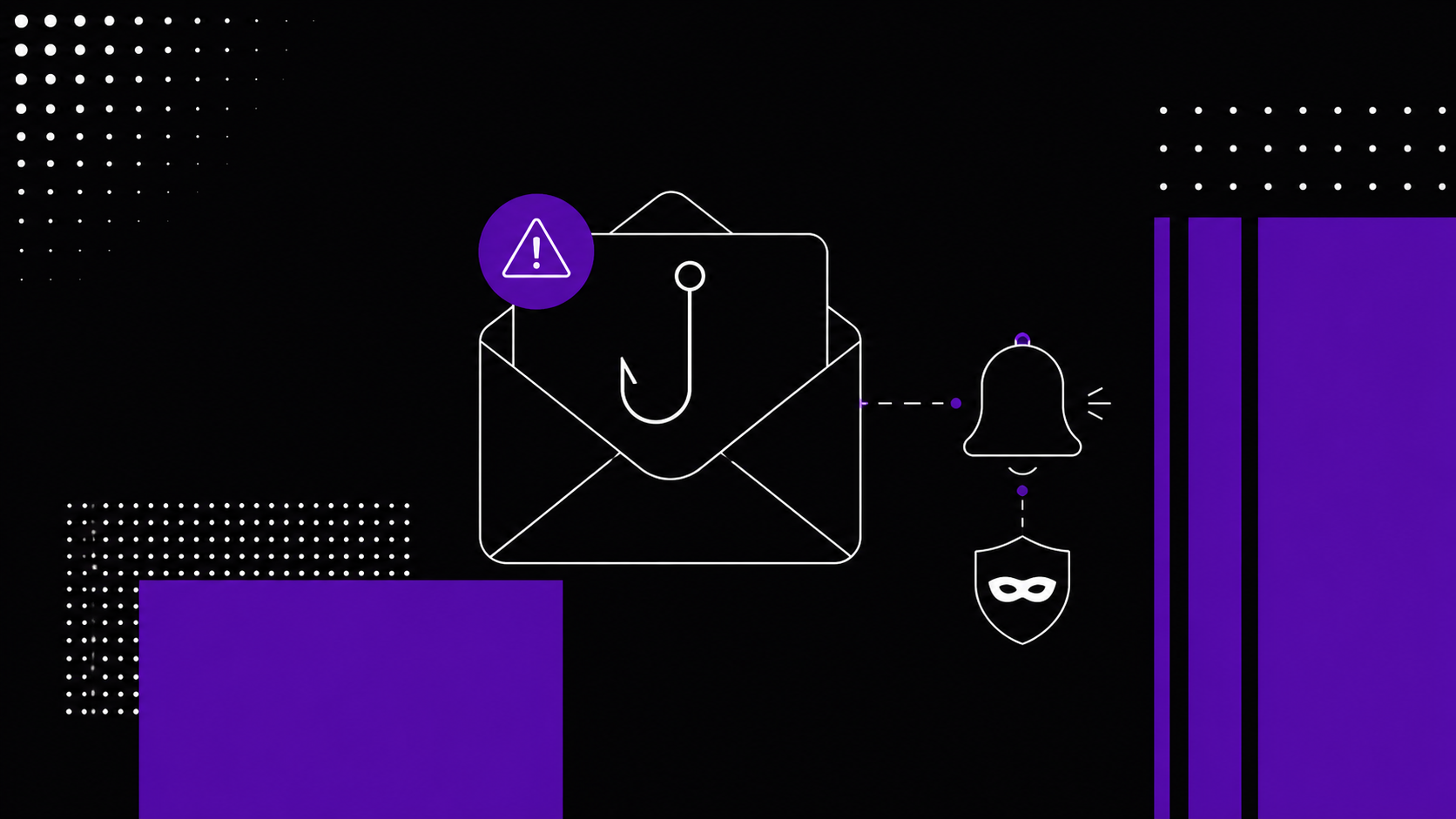
Data breach notifications used to feel exceptional. Today, they have become part of the background noise of digital life. Banks, retailers, healthcare providers, software vendors, social platforms, and employers all send alerts when personal information may have been exposed. That shift has created a new opening for attackers: the breach notification itself has become a phishing lure.
The risk comes from timing and trust. A message that says “your data was exposed” creates immediate concern. It feels relevant, serious, and urgent. When attackers imitate that format, they benefit from the credibility built by real security incidents. A fake breach alert can push a recipient toward a malicious login page, a fraudulent “identity protection” form, a fake password reset, or an attachment carrying malware. The user believes they are reducing risk, while the attacker is quietly creating a larger one.
Breach Fatigue Has Become a Security Problem
The volume of breach notifications has changed user behavior. In the United States, the Identity Theft Resource Center has reported thousands of publicly disclosed data compromises in recent years, with hundreds of millions of victim notices issued. ESET’s WeLiveSecurity article on fake data breach alerts highlights how this environment gives fraudsters a larger audience of people already conditioned to expect breach-related emails.
This creates what can be called breach fatigue. People see so many security warnings that they start processing them quickly, emotionally, and mechanically. Some dismiss real alerts. Others react too fast to fake ones. Both reactions serve attackers. The safer habit is verification before action.
A legitimate breach notice deserves attention, especially when passwords, financial data, identity numbers, health information, or sensitive account details are involved. The key is to separate the alert from the response. The message may be real, but the response should happen through an independent channel: the company’s official website, mobile app, support center, or a known customer-service number.
How Fake Breach Alerts Work
Most fake breach notifications follow one of two patterns. In the first, attackers exploit a real incident. A known company announces a breach, the story appears in the media, and criminals quickly send lookalike emails to customers or likely customers. The timing makes the message feel plausible. In the second, attackers invent the breach entirely and impersonate a recognizable brand, a bank, a crypto wallet provider, a cloud service, or even an internal IT department. ESET describes both tactics in its analysis of data breach alert scams.
The language is usually designed to compress judgment. The message tells the recipient that their information has been exposed, that immediate confirmation is required, or that protection services are waiting to be activated. The call to action often points to a link that looks like a password reset page or a breach-response portal. In other cases, the notice includes an attachment that claims to contain details of the incident.
Modern phishing also looks more professional than older scams. Generative AI helps attackers write in fluent language, adapt tone to a local market, and imitate corporate communication styles. Logos, branding, legal-sounding language, privacy terminology, and fake reference numbers can make the notice appear official. A polished message is therefore only one signal. It is never enough by itself.
The Real Objective: Credentials, Data, and Access
A fake breach alert rarely exists just to scare someone. Its purpose is to collect something valuable. That may be a password, a one-time code, a credit card number, a passport scan, a Social Security number, a bank login, or access to a work account. In business environments, a fake breach alert can also become a route into corporate systems.
Some campaigns go further by using attachments or links that install infostealer malware. Infostealers are designed to collect browser passwords, cookies, session tokens, cryptocurrency wallet data, files, and other sensitive information from an infected device. ESET’s article on infostealers and how to stay safe explains how these tools can quickly gather valuable data and help criminals abuse active sessions.
This is what makes fake breach alerts especially dangerous. The victim thinks they are responding to a past incident, while the attacker is creating a fresh compromise. A person may receive a fake notice about one account and end up exposing email access, banking access, or a corporate login that opens the door to a broader attack.
What Makes a Breach Notice Suspicious
A suspicious breach notice usually pushes the recipient toward speed rather than clarity. It may demand immediate action, threaten account closure, or claim that identity protection expires within hours. Real breach notices can also contain deadlines, but they usually provide a measured explanation of what happened, what information was affected, and how the organization is responding.
Sender details matter. Attackers often spoof display names while using unrelated domains, misspelled domains, or lookalike characters. The visible name may say the company’s name, while the actual email address points somewhere else. Links deserve the same level of care. A button may say “Secure Your Account,” while the destination leads to a domain controlled by criminals.
Specificity is another useful signal. A real notice often contains meaningful context, such as the type of data involved, the approximate timing of the incident, the account affected, or a reference to an official support page. A fake notice often stays vague because the attacker has limited personal context. Still, some attackers use leaked data from previous breaches to personalize scams, so specificity should increase attention rather than create blind trust.
The Safest Response: Verify Separately, Then Act
The best response to any breach alert is calm, independent verification. Open a browser or the official app directly, type the company’s address yourself, and check for a notice in the account dashboard, support center, newsroom, or security page. Contact the company through a known channel when the situation remains unclear. ESET’s guidance on what to do after receiving a data breach notice recommends contacting the organization directly through official sources when a notice appears suspicious.
Password changes should happen through the real service, not through the email link. When a password may have been exposed, change it on the affected account and anywhere else that password was reused. A password manager helps create unique credentials for every service, reducing the blast radius of a single breach. Multi-factor authentication adds another layer of protection, especially for email, banking, cloud storage, social media, and work systems.
Services such as Have I Been Pwned can also help users check whether an email address appears in known breach data. This should be treated as a supporting signal, since breach databases are incomplete and may update over time. It is useful for awareness, while the affected company remains the primary source for incident-specific instructions.
What Businesses Should Learn From This
Companies should assume that breach notifications will be impersonated. A breach response plan should therefore include customer communication that is easy to authenticate. Messages should direct users to official websites and apps, avoid login links where possible, and explain what the company will ask for and what it will never request in a breach response process.
Security teams should prepare reusable public guidance before an incident occurs. A clear “How to verify messages from us” page can reduce confusion during a crisis. Customer support teams should have scripts for verifying legitimate notices, and marketing teams should avoid design patterns that train users to click urgent security links in email.
Internal communications need the same discipline. Employees are attractive targets during breach events because they may receive real instructions from IT, legal, HR, or security teams. A fake internal breach notice can harvest single sign-on credentials or push employees to install malware. Organizations should use trusted internal portals, signed announcements, and pre-established incident channels to reduce the chance of confusion.
What To Do After a Mistake
Speed matters after someone clicks a fake breach alert or submits information. The first step is to change any exposed password through the legitimate service, then change it anywhere else it was reused. The second step is to enable or reset multi-factor authentication on sensitive accounts. The third step is to scan the device with reputable security software, especially when an attachment was opened or a file was downloaded.
Financial exposure requires immediate contact with the bank or card issuer. Identity exposure may require credit monitoring, fraud alerts, or a credit freeze, depending on the country and the type of data involved. ESET’s data breach scam guidance recommends monitoring financial accounts and contacting relevant institutions when financial or identity details have been shared.
For businesses, the response should include password resets, session revocation, endpoint inspection, mailbox rule checks, and review of recent account activity. A fake breach alert that captures one employee’s credentials can lead to email compromise, data theft, invoice fraud, or lateral movement into other systems.
The New Rule: Treat Every Alert as Important, Then Prove It
The central lesson is simple: breach alerts deserve attention, but the message itself should never control the action. The correct mindset is neither panic nor dismissal. It is verification.
Real breach notices help people reduce harm after an incident. Fake breach notices exploit the same format to create new victims. As breach notifications become more common, the difference between safety and compromise will depend less on spotting obvious scams and more on building a consistent verification habit. Open the official channel. Confirm the incident. Act from the source you trust. That small pause is now one of the most important security controls a person or company can practice.


 Previous post